
If you've bought a server, then you might have noticed the server splitter function in our panel. This tool allows you to create another server using resources you've already purchased, such as if you have a Neptune plan with 12GB of RAM, you can split that into two 6GB servers. Here we will explain how everything works.
Splitting your server
1. Open the "splitter" tab in your panel, it should be under the "more" tab.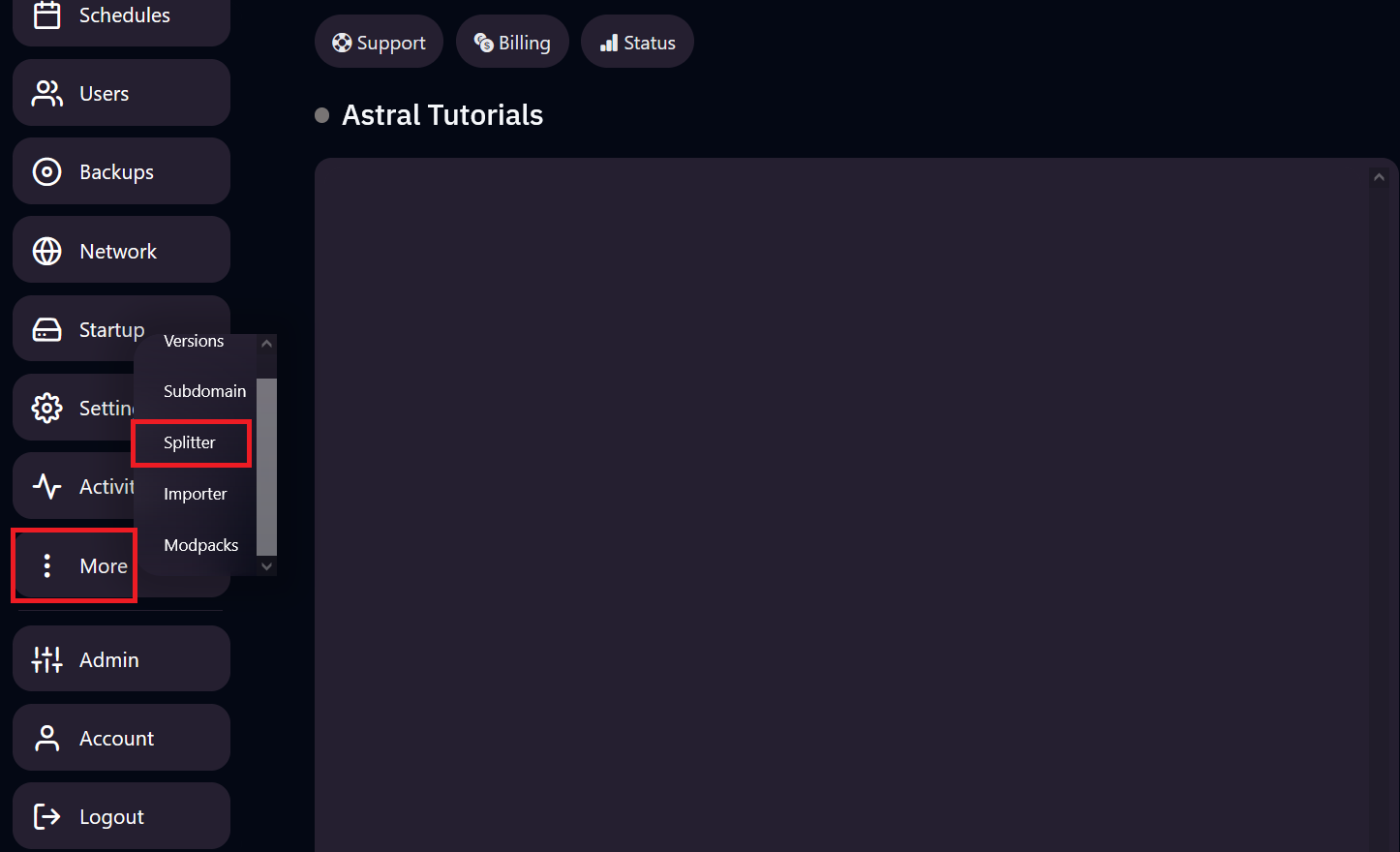
2. You should see the splitter panel now. You should see all the resources you have available to split, including CPU threads, RAM, and Disk Space.
3. Hit the "+" icon to begin setting up your new split server. Any resources you allocate to the split server will be taken from the main server.
Note: The "Sync Subusers" function is a one time use that will sync all subusers and their permissions from the main server onto the split server. Any changes to permissions or access after split server creation are not reflected and must be either manually adjusted per server or re-synced from the splitter panel.
4. You should see your new split server on the splits panel, simply go back to the panel homepage and you should see your new split server.